
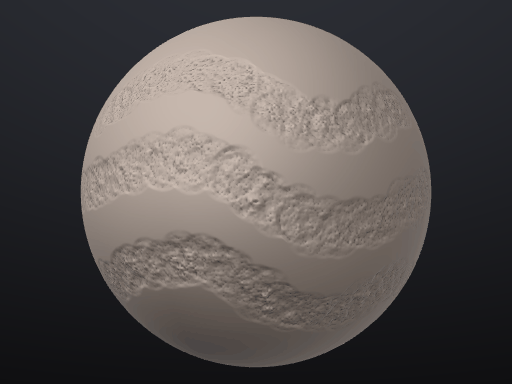
Community brushes
Brushes made by artists, free for everyone.
Sculpting brushes for SculptForge, shared by the people who made them and dedicated to the public domain (CC0): use them in personal and commercial work. A brush is a small data file, never code, so installing one is as safe as opening a text file.
Install a brush
From the app
In SculptForge open View > Community brushes, search or pick a tag, and click Install. The brush is checked against the gallery's checksum, added to your library and ready to sculpt with.
Drag the file
Download any .sfbrush below and drag it onto the SculptForge window (or use Brush Lab's
Load .sfbrush). Studios can share a whole folder of brushes with
SCULPTFORGE_BRUSH_PATH.
Make your own
Describe a brush to the AI brush creator in Brush Lab ("dry cracked mud", "a palette knife that drags clay"), tune the recipe, then share it so everyone can use it.
The gallery
21 brushes
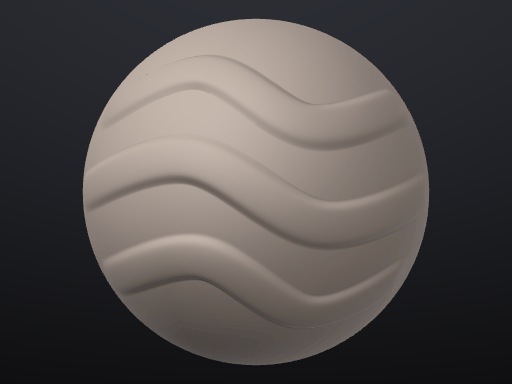
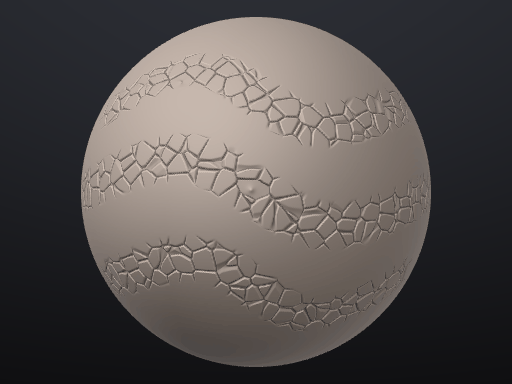
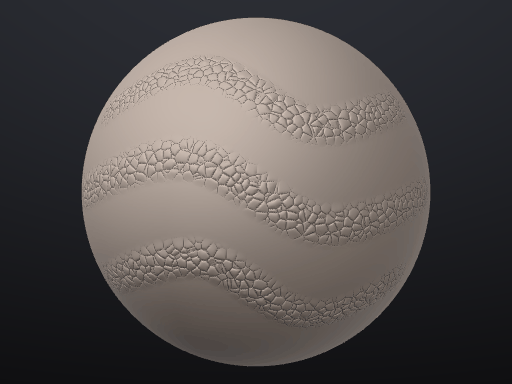
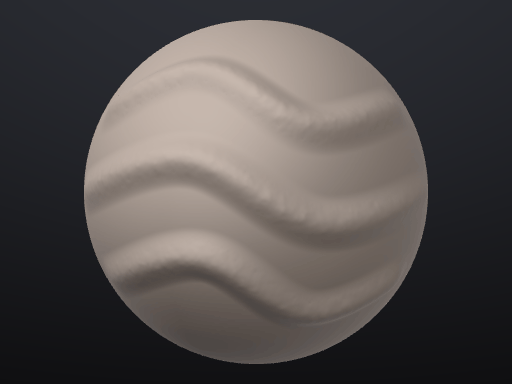
Edge Wear
by SculptForge
Chips and softens only the sharp edges and ridges, for weathered props.
Download
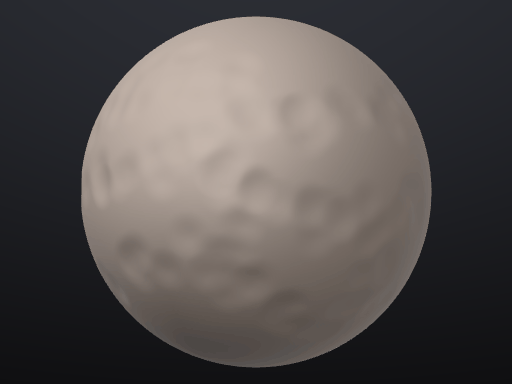
Hammered Metal
by SculptForge
Soft overlapping hammer dimples for beaten copper, armour and cookware.
Download
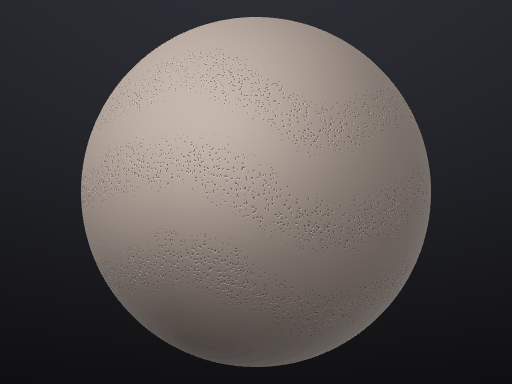
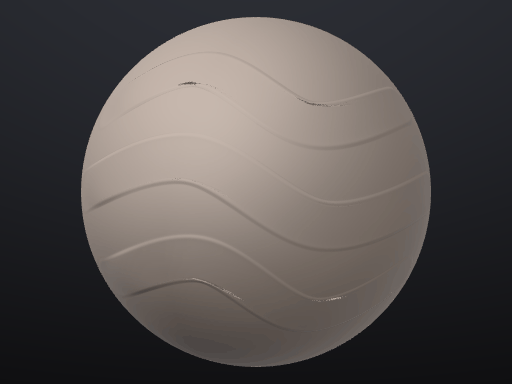
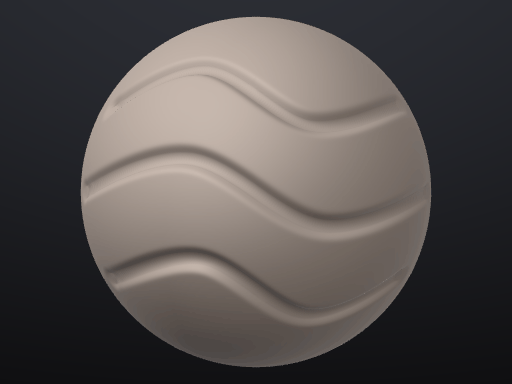
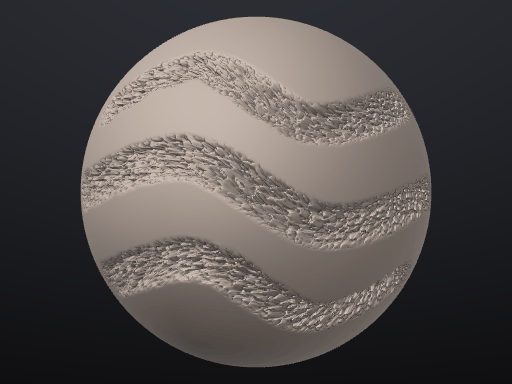
Stone Chisel
by SculptForge
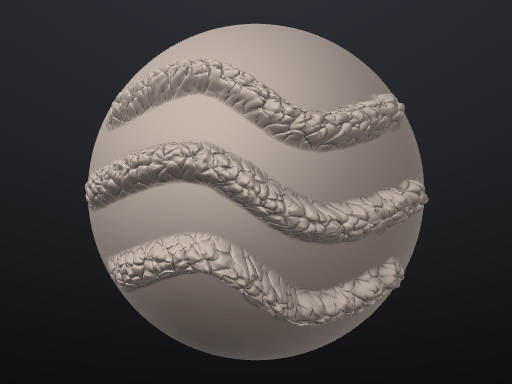
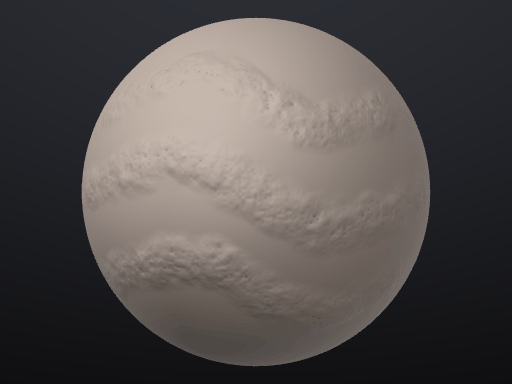
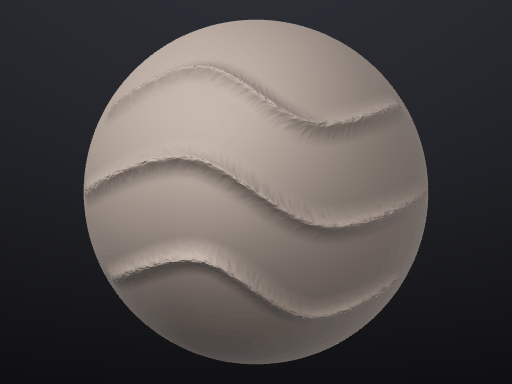
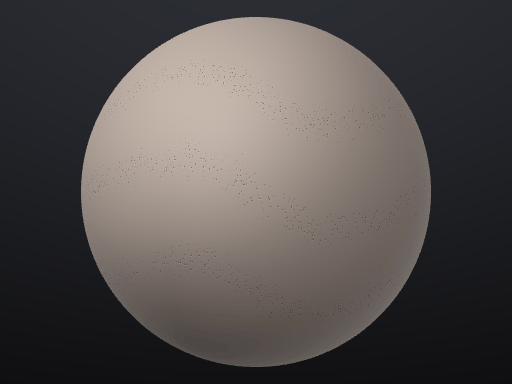
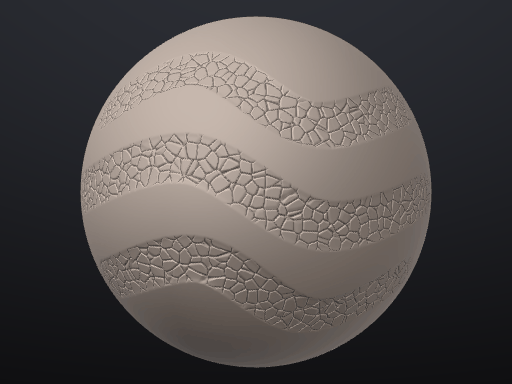
Scrapes hard planes and breaks them up with cracks for rocks and ruins.
Download
No brushes match your search.